Look here.
Read every word. Sound like you didn’t.
Halocue puts your script right under the iPhone’s camera, follows your voice as you talk, and records you in the same screen. A ring of light around the lens tells you where to look.
FreeNo accountiOS 26Made for iPhone Duo too
Under the lens
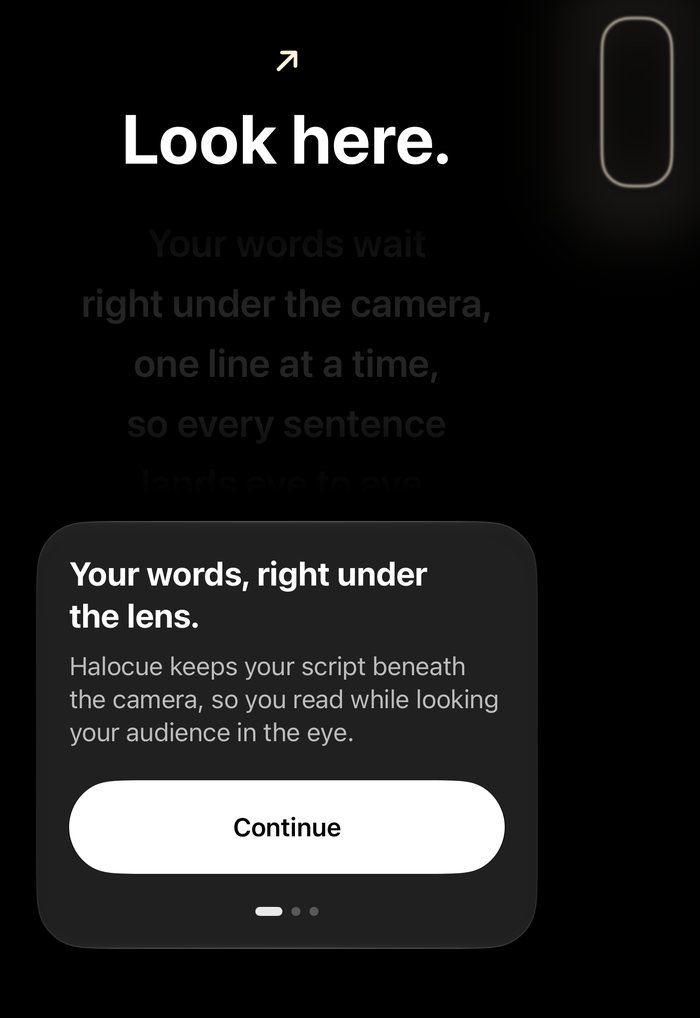
Your eyes stay on the camera. The words come to them.
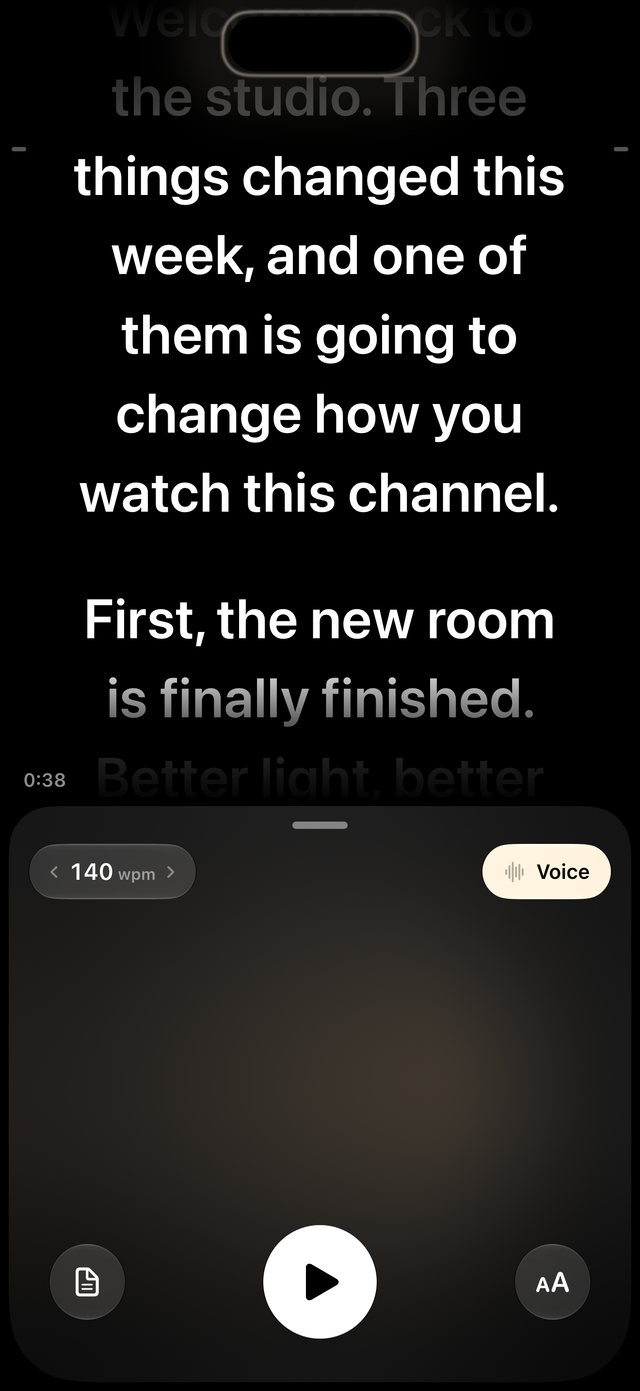
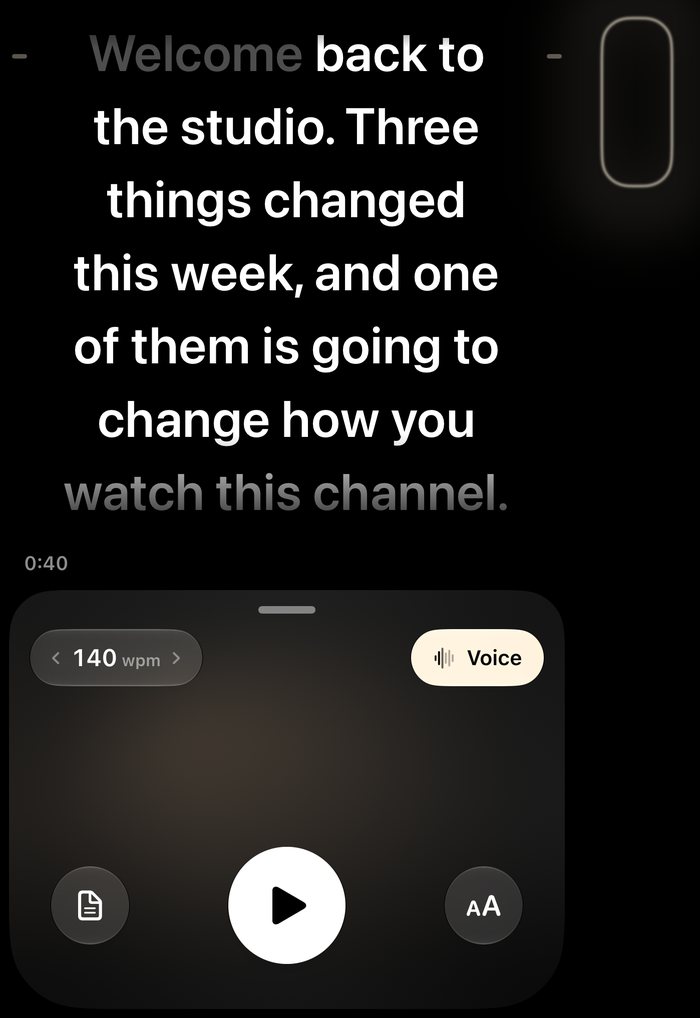
The line you’re reading sits just below the Dynamic Island. Lines you’ve read slide up under it and fade, so your gaze never drifts down the screen.
- Camera-first. Script on top, your live front camera in a card below.
- Drag the split to give the script or the camera more room.
- Pace in words per minute. Slide the wpm chip like a zoom wheel; every script shows how long it runs.
Follow my voice
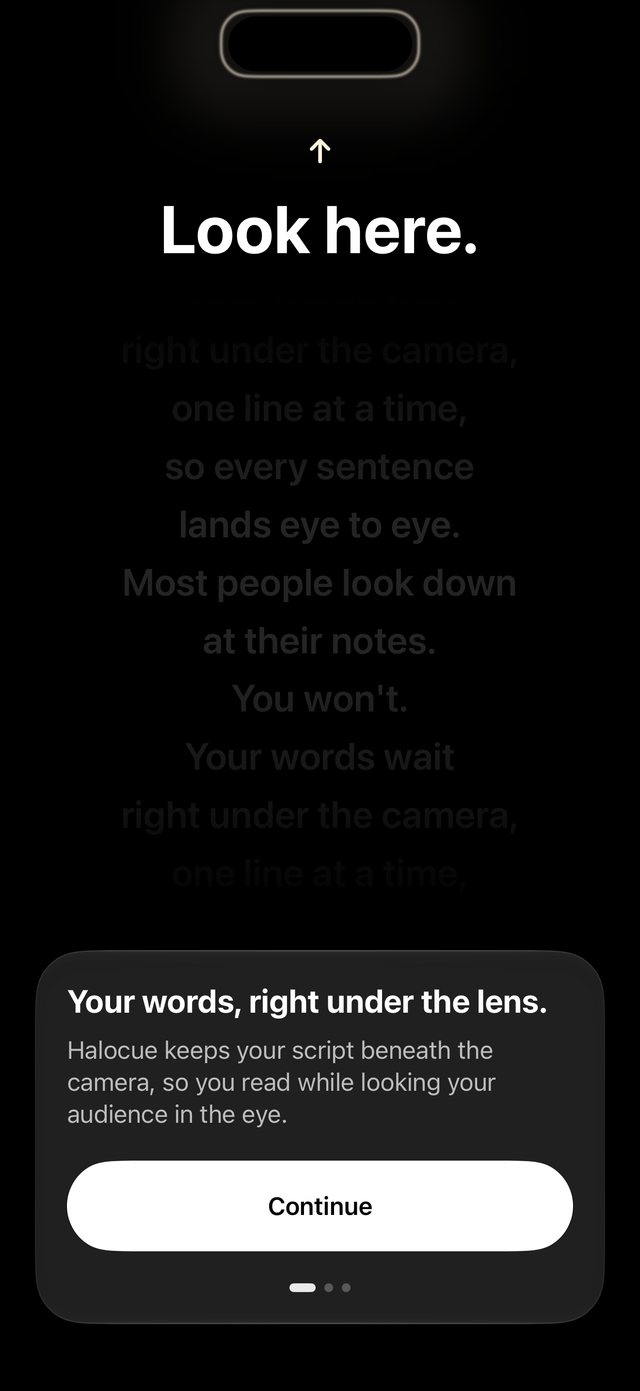
Just talk. It keeps your place.
Turn on Voice and the script scrolls as you speak. It waits when you pause, catches up when you skip a line, and holds still while you go off script. Recognition runs on your iPhone.
- On device. Your voice isn’t sent to us, and there’s no account.
- Tested on the hard cases: mishearings, skips, ad-libs, repeated phrases.
Your scripts
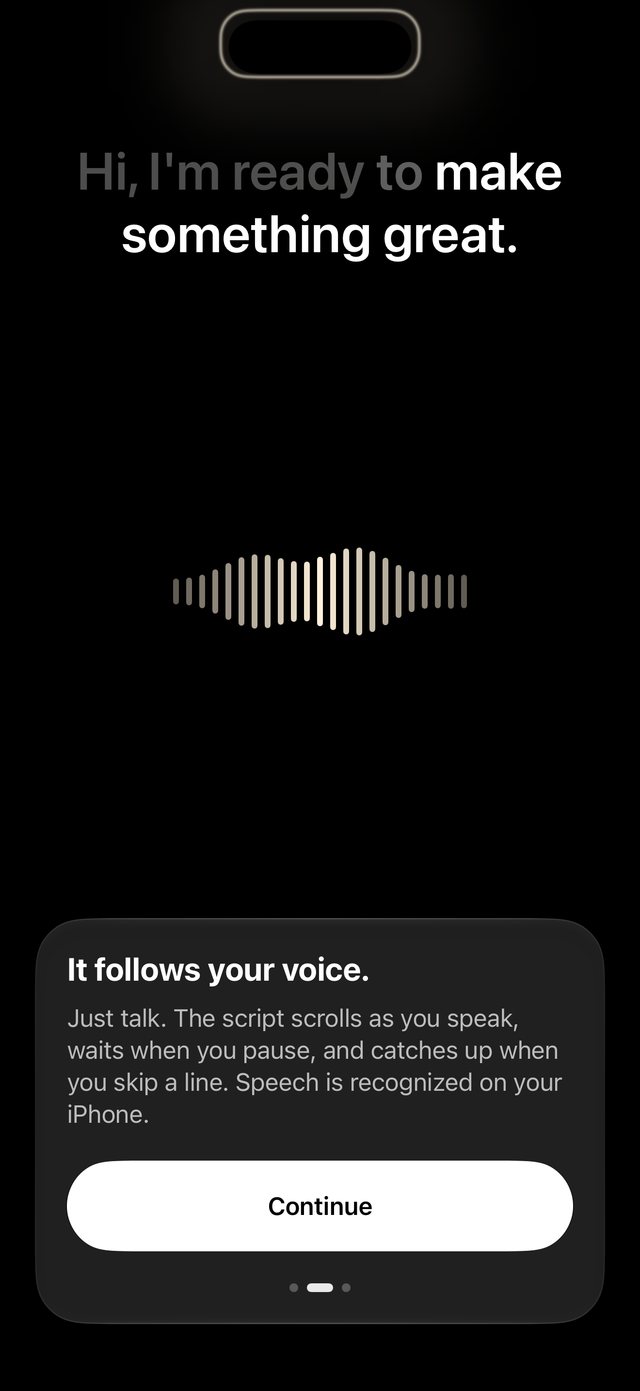
Every script, one tap from camera.
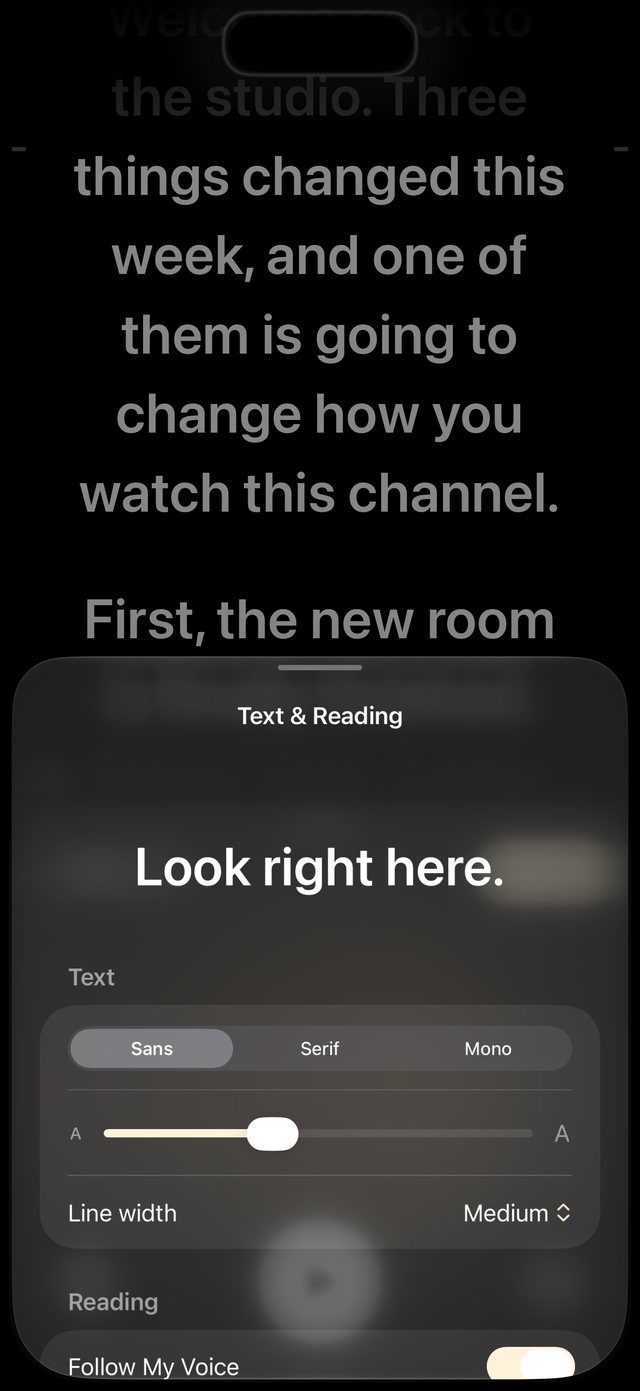
Your library opens as a glass sheet over the stage. Pick a script and it’s on stage; paste one in and the first line becomes its title. Text & Reading changes the typeface, size and line width live behind the sheet.
The halo
One light, and it always means something.
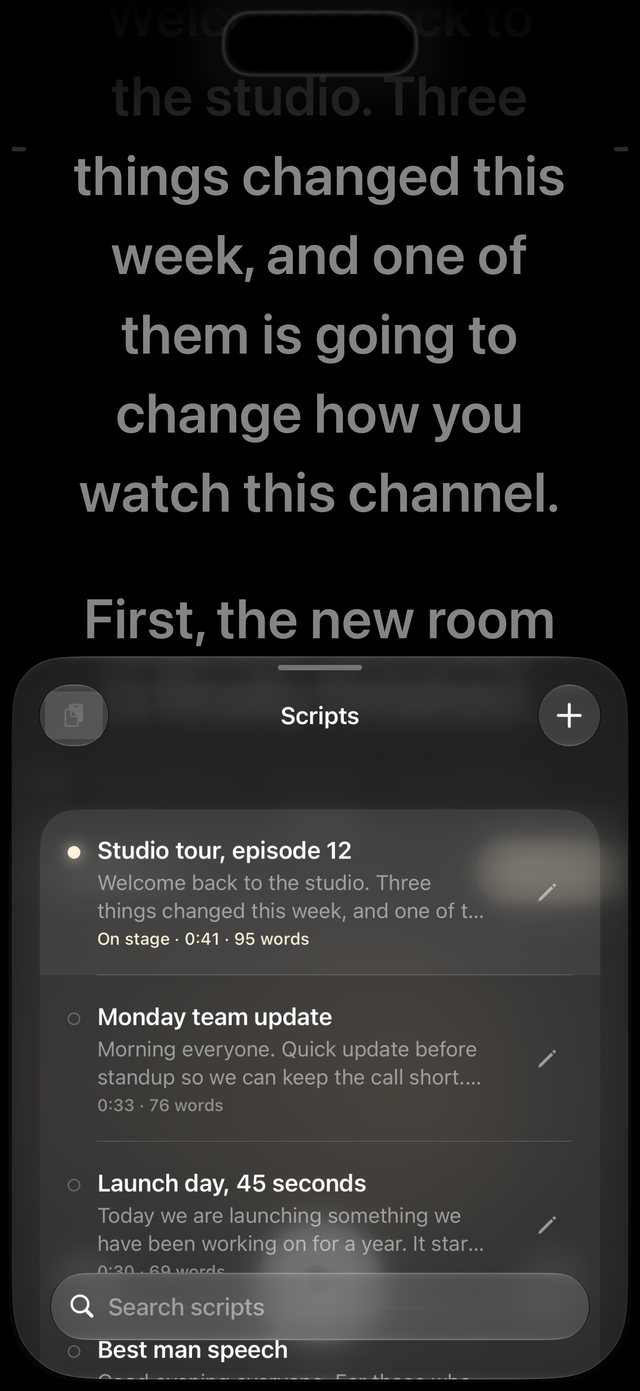
Halocue draws a ring of light around the camera cutout. It’s the only ornament in the app, so it only shows up when it has something to say.
Listening
It breathes softly while Voice is on.
Speaking
It swells with your voice, word by word.
Recording
It turns red while a take is rolling.
iPhone Duo
A teleprompter built for iPhone Duo.
On Duo the front camera sits at the top of the housing down the right edge. Halocue knows: it fills the wide panel, keeps clear of the housing, and lights the halo exactly where the lens is.
The details
Small things, for people who film a lot.
Record in one take
A Camera-style shutter, a countdown before the first word, and 1× or 1.5× zoom.
Mirror text
One switch for beam-splitter glass rigs.
Sans, Serif or Mono
From 22 to 64 points, with narrow, medium or wide lines.
Keyboards and pedals
Space plays and pauses, arrow keys change the pace, R starts a take.
Landscape
Script and camera sit side by side when you turn the phone.
Takes the right way round
Saved unmirrored like the Camera app, to Photos when you choose.
Privacy
What you say stays on your phone.
No account, no sign-up, no tracking. Read the privacy policy.
Speech on device
Voice follow uses Apple’s on-device speech recognition on iPhones that support it.
Takes stay local
Recordings stay on the iPhone until you save them to Photos or share them.
Scripts are yours
Your library is a file on your phone. Halocue never uploads it.
Pricing
Free. Every feature, no limits.
Halocue 1.0 costs nothing: no trial, no account, no cap on how long you record.
Halocue
- Unlimited scripts
- Voice follow, on device
- Takes of any length, saved upright
- Pace in words per minute
- Typefaces, line width, mirror, countdown
On the way
What we’re building next
- iCloud sync across your devices
- Import scripts from Files and Docs
- A Mac notch prompter for calls
Tell us what to build first: hello@halocue.app.

Your next take, eye to eye.
Free on the App Store for iPhone. Tell us what you’d change and it might be in the next version.